HOW TO UPDATE YOUR WWIIOL BILLING METHOD
VIDEO TUTORIAL
Here's a quick video tutorial, written instructions below.
Step by step instructions:
Step 1: Go to www.wwiionline.com/account , and under "REPORT FOR DUTY" click "LOGIN HERE"
Step 2: Insert your login information and click "LOGIN"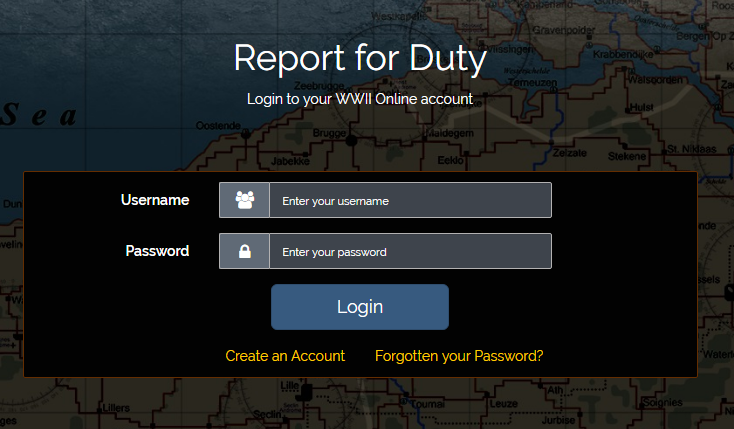
Step 3: At the top, click "PROFILE"
YOU MUST UPDATE YOUR PROFILE ADDRESS TO MATCH YOUR BILLING ADDRESS FOR YOUR CARD TO BE ACCEPTED.

Step 4: Select "Update my Billing Method" (left side)
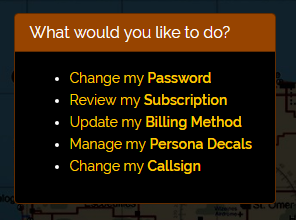
Step 5: Choose to pay with a Card or PayPal.
- Add all relevant card data.
- Make sure your profile has all fields completed according to the card being used.

Step 6: Click "SAVE BILLING METHOD AND PAY SUBSCRIPTION"

If you experience any problems please submit a ticket
Was this article helpful?
That’s Great!
Thank you for your feedback
Sorry! We couldn't be helpful
Thank you for your feedback
Feedback sent
We appreciate your effort and will try to fix the article